
Welcome to
all of
Denmark's
Svendborg's
Helsingør's
Kolding's
Hjørring's
Frederiksværk's
Rønne's
Aarhus'
Nykøbing Falster's
Frederiksberg's
Holbæk's
Varde's
Næstved's
Ringkøbing's

We are the administrator for domain names ending in .dk
How can we help?
Unfortunately, we are currently experiencing fake emails regarding suspension of .dk domain names. We are working to prevent this.
Punktum dk's websites have been cloned, making it seem like you are at the correct place. If you receive a fake email, do not make any payments through the payment link!
How can I tell if it's a fake email?
Always check the sender’s email address. We never send mail from admin@dk-hostmaster.dk
E-mails from us will always end at @punktum.dk
We also send questionnaires from the address @relationmonitor.com
Some of the fake emails use these endings:
@punktum.in
@uni-erfurt.de
@punktum.com
@ventevo.pk
@uni-erfurt.de
@pouriaahmadi.com
@summersetdestinations.com
Below you can see examples of the fake emails that are circulating:
NOTE: Please be especially aware that there may be another link hidden behind the link in the text.


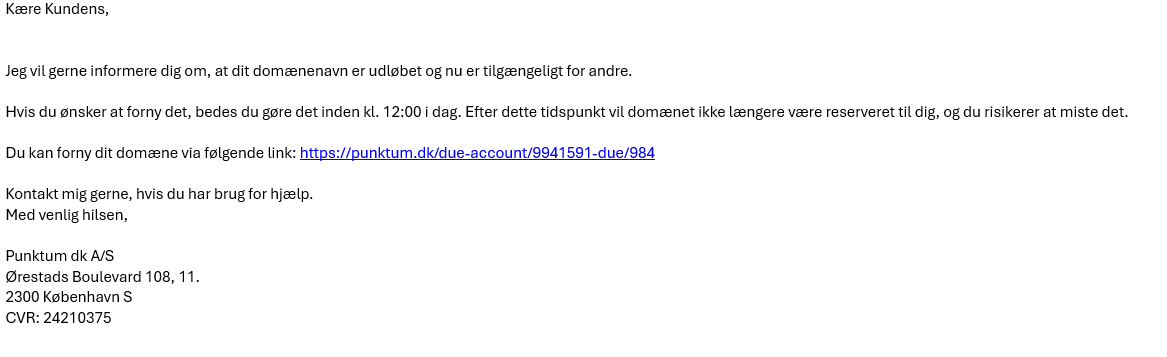


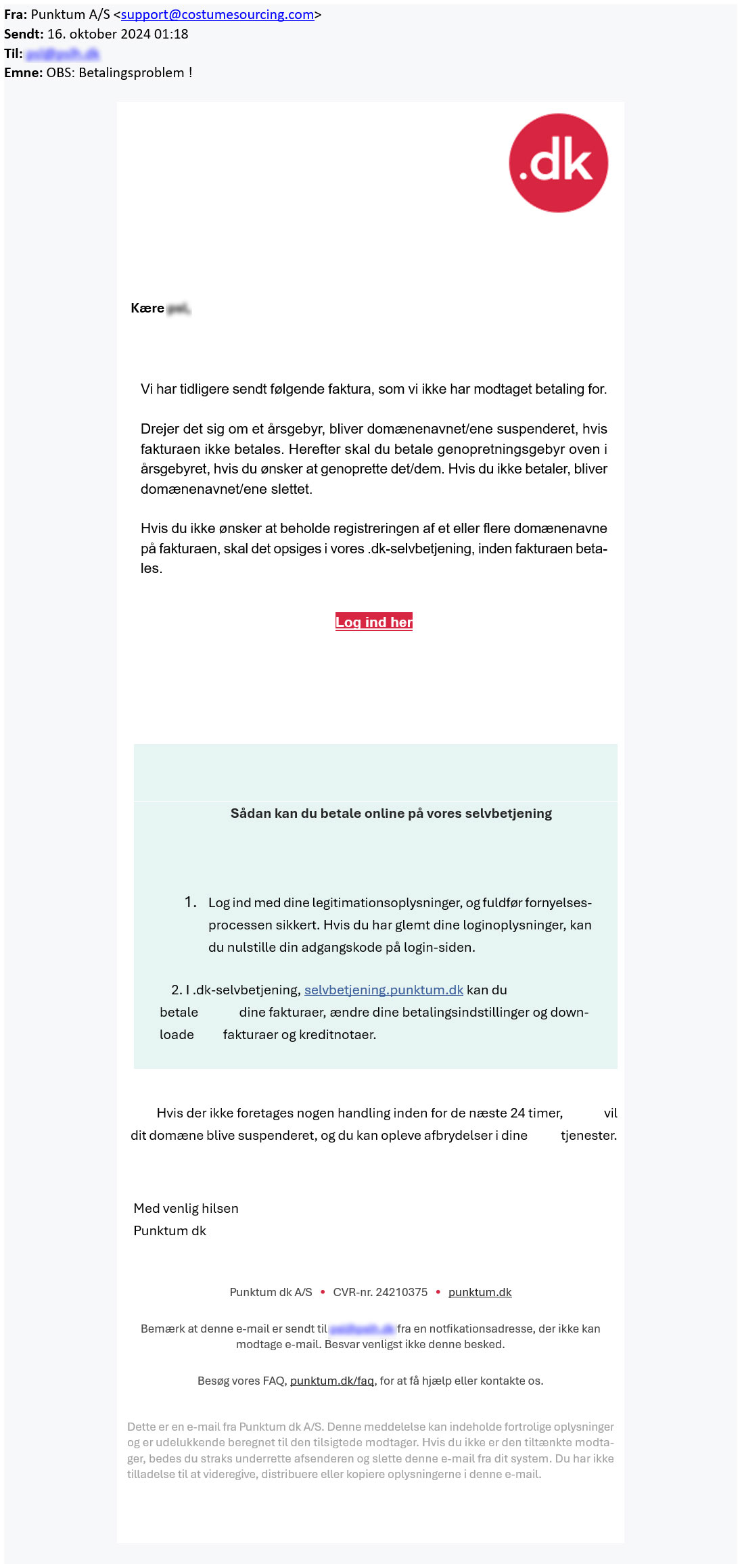


If you have filled in your login information on the fake login page, we recommend that you immediately log in to our self-service portal and change your password.
If you have received a fake email, we would like to see what it looks like. You can forward it to svindel@punktum.dk.
Have you received an email about suspension or payment?
We are also sending out legitimate emails regarding suspension. Therefore, we recommend that you log in to our self-service portal and check whether your .dk domain name has been suspended.
If your domain name is not working, it has likely been suspended. Read more here about what you can do to restore it.
Thank you for your reply
- we are happy about that.
Hmmm, not good...
We will help you - write us.
Did you find the answer useful?
If you still have questions, we are ready to help!
If you don't have your login credentials, you can access your self-service account in one of the following ways instead.
Log in with your registered e-mail address
If you don't remember your user ID, you can enter your e-mail address in the user ID field and use the same password.
Forgot your password
If you don't have your password, you can request a new temporary password by selecting "Forgot Password." Here, you can choose to receive the password via email.
Link to your e-mail
You can choose to receive a link via our login page, which will be sent to your email. With this link, you can log directly into our self-service portal.
MitID
If you have previously added MitID to your profile with us, you can log in directly with it.
However, if this is your first time logging in with MitID, you will need to use your user ID and password to connect it to your MitID.
If none of the above options are possible, please contact our customer service at phone number +45 33 64 60 60 or in writing here.
Thank you for your reply
- we are happy about that.
Hmmm, not good...
We will help you - write us.
Did you find the answer useful?
If you still have questions, we are ready to help!
If you are experiencing issues with your e-mail address or website, it may be due to one of the following reasons.
Missing payment with Punktum dk
If we have not received payment for the renewal of your .dk domain name, the domain will be suspended by us. If your domain name is suspended and you have an email or a website that includes the domain, it will no longer work.
You can restore your domain name by logging into our online self-service portal. You can follow our instructions by clicking here.
Missing validation
At Punktum dk, as the registrant, you are required to complete an ID verification when you activate your domain.
We do this to ensure accurate information and secure your right to use the domain.
If the ID verification is not completed within the given deadline, the domain will be suspended and deleted 30 days thereafter.
The domain will be automatically restored/activated once you log in to the self-service portal.
Setup with your DNS provider
When you hold the right to use a domain name, you are a customer at Punktum dk. You also have a registration with your provider, who handles your hosting (setting up e-mail or website).
It is therefore necessary that your setup with the provider is correctly configured. They may have deactivated the domain due to a lack of maintenance, such as payment and updating contact information. It is therefore important to maintain both agreements. If the problem is with the provider, you need to contact your provider to have the domain restored.
Thank you for your reply
- we are happy about that.
Hmmm, not good...
We will help you - write us.
Did you find the answer useful?
If you still have questions, we are ready to help!
You can easily register a domain name by following these three steps:
- Check to see if the domain name is available in our whois database.
- Register the domain name through one of our approved domain name providers. You can see a list of .dk domain name providers.
- Activate the domain name by entering into the agreement with us concerning the right to use a domain name in our online self-service portal.
The domain name is now ready to use.
Thank you for your reply
- we are happy about that.
Hmmm, not good...
We will help you - write us.
Did you find the answer useful?
If you still have questions, we are ready to help!
You can find a list of all registrars here.
When you want to purchase your desired .dk domain name, it must be done through a registrar.
You can always check if the domain you want is available on our homepage https://www.punktum.dk/en/search-dk-domain
A registrar is a company that facilitates the registration of your .dk domain name.
They offer setup and management of your email address or website, that you wish to use your .dk domain name for.
Several registrars also offer registrar management. This means that they also manage your account with Punktum dk for you, so everything is handled in one place.
You can read more about registrar management here.
Thank you for your reply
- we are happy about that.
Hmmm, not good...
We will help you - write us.
Did you find the answer useful?
If you still have questions, we are ready to help!
Sikkerhed er også dit ansvar

We are the digital backbone
of Denmark
We make sure that the Danish part of the internet always works.
Our most important task is to make sure, that all websites ending with .dk are always accessible.
DNS
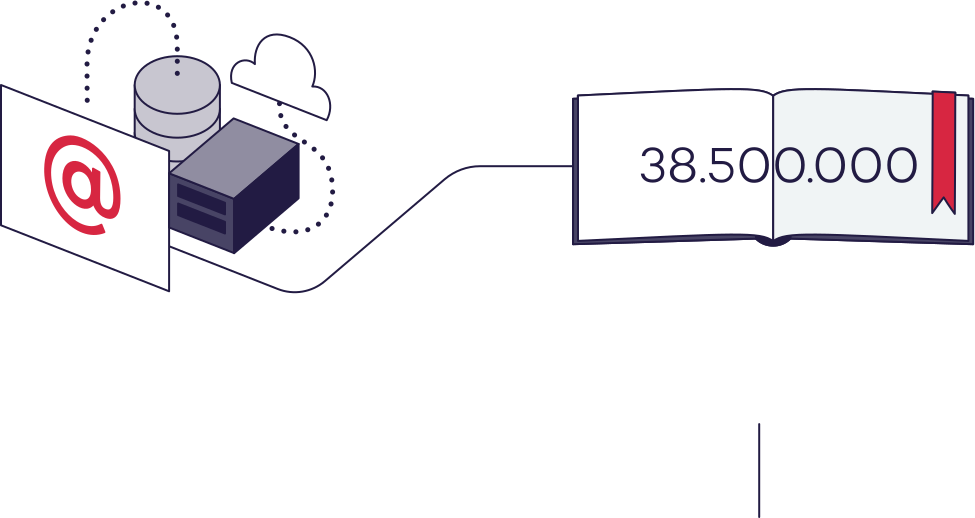
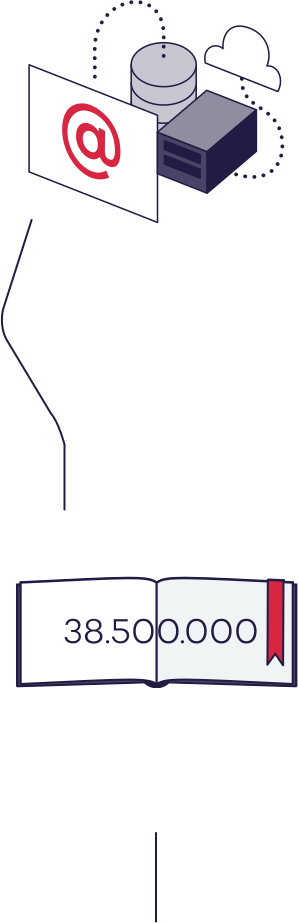
Every time a website viewed, or an email is sent, a lot happens behind the scenes. This is what is called DNS (Domain Name System).
Each hour, we have approx.:
DNS-lookups
Read more

Security
And that is why we take care of those that has a .dk domain, and all of us who use the internet.
Read moreWe take great care that Danish websites and e-mail addresses are as secure as possible.
Statistics

Currently we have
.dk domains registered, and every week some are added, and some are closed.
Read moreYou can do that to be more secure:
Check your site's security:
 Sikker på nettet.dk
Check the link before you click: